How To Update FlexOptical
Published: 10/20/25 1:40 PM
Modified: 10/20/25 2:55 PM
Category: Flexsys, Installation - Flex
This article covers how to update Flexsys software
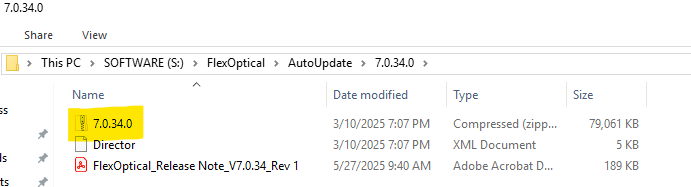
- Copy over the latest version of FlexOptical from the server (S:\FlexOptical\AutoUpdate). Be sure to copy the entire folder that contains the zip file
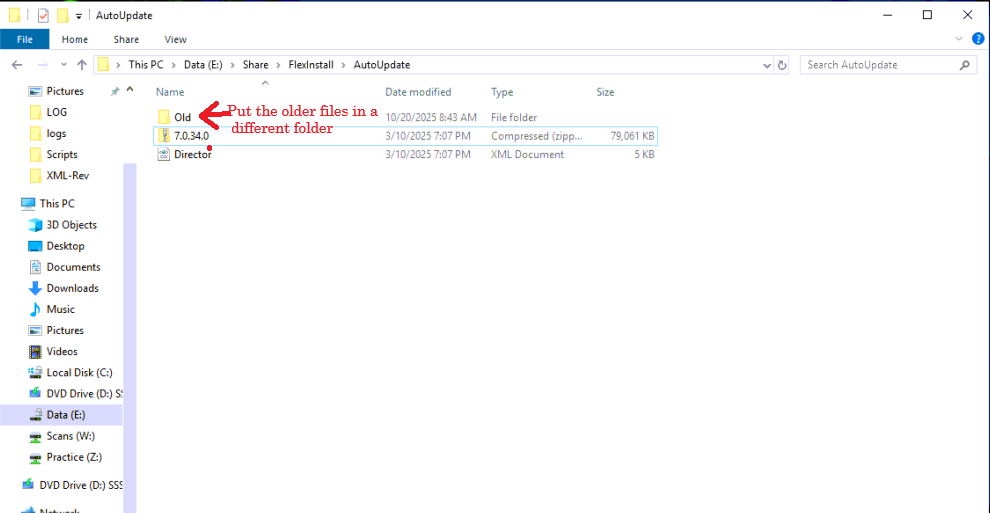
2. On the client server, locate the “AutoUpdate” folder. Typically it’s \\EyeMD_data\FlexInstall\AutoUpdate, but it could be different. Once the folder is located, move any old files into a different folder. Drop the new files directly into the AutoUpdate folder. Do not unzip the .zip file
3. Launch the FlexOptical program and authenticate. The program will update automatically.
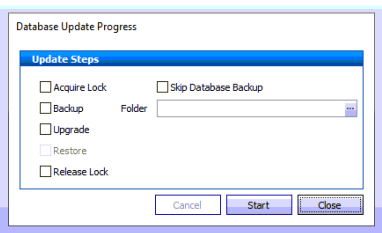
4. At the pop up window below, select the appropriate folder where database backups will go. Click Start
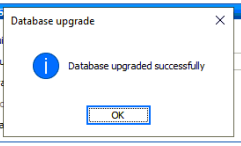
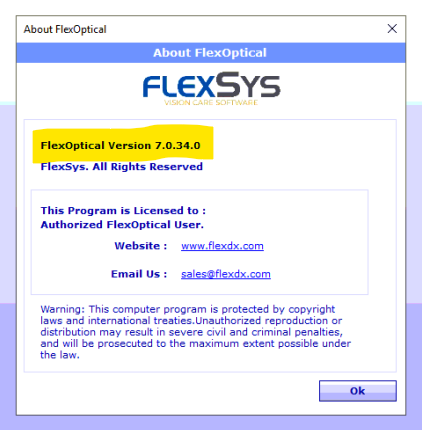
5. Once logged into Flexsys, go to Help>About FlexOptical and verify the latest version has been installed